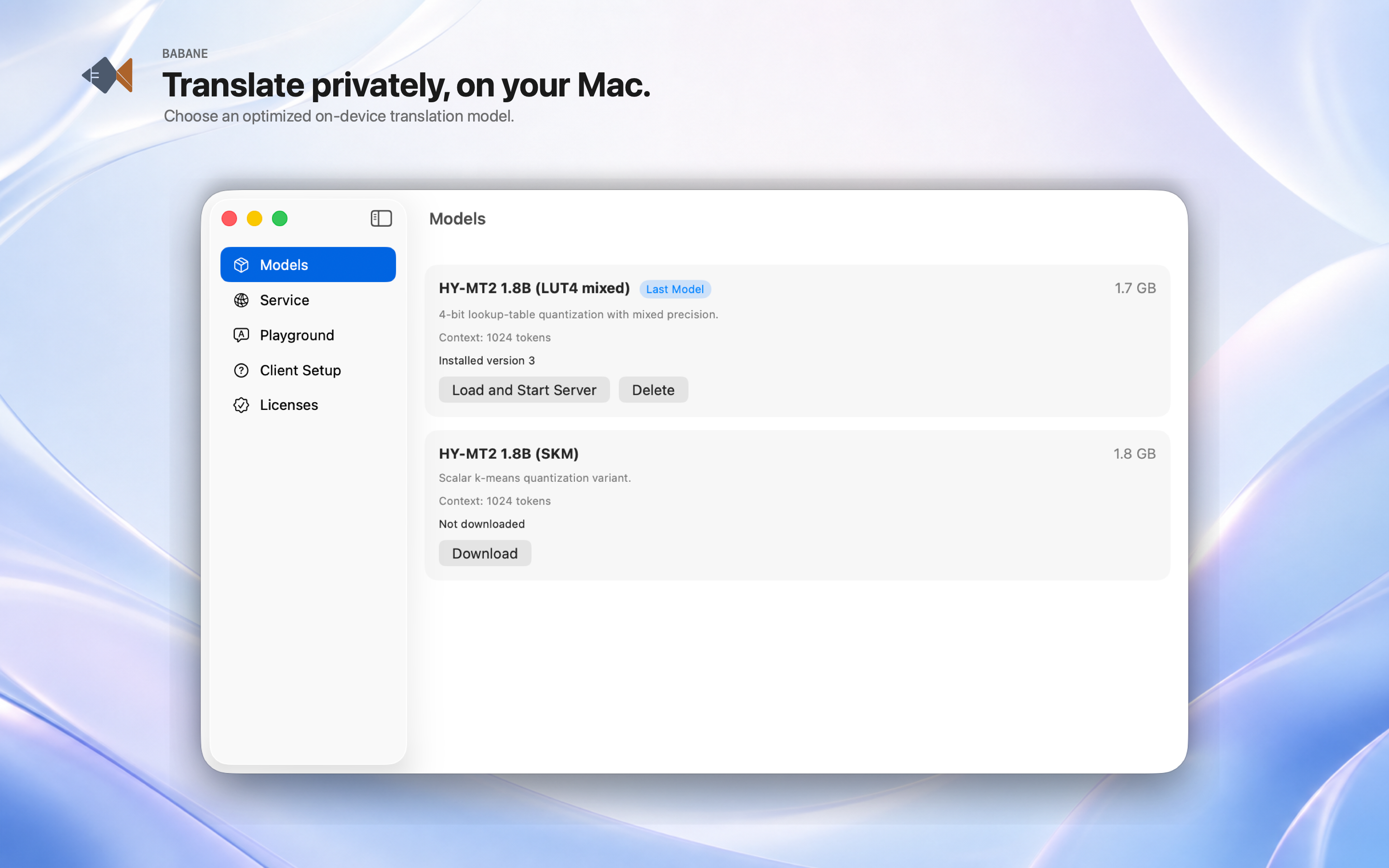
Models, made manageable
Download approved language models and see exactly what is ready to use.
BABANE brings an advanced Hy-MT translation model family to your Mac, so your words can stay on your device.
Download free on the Mac App Store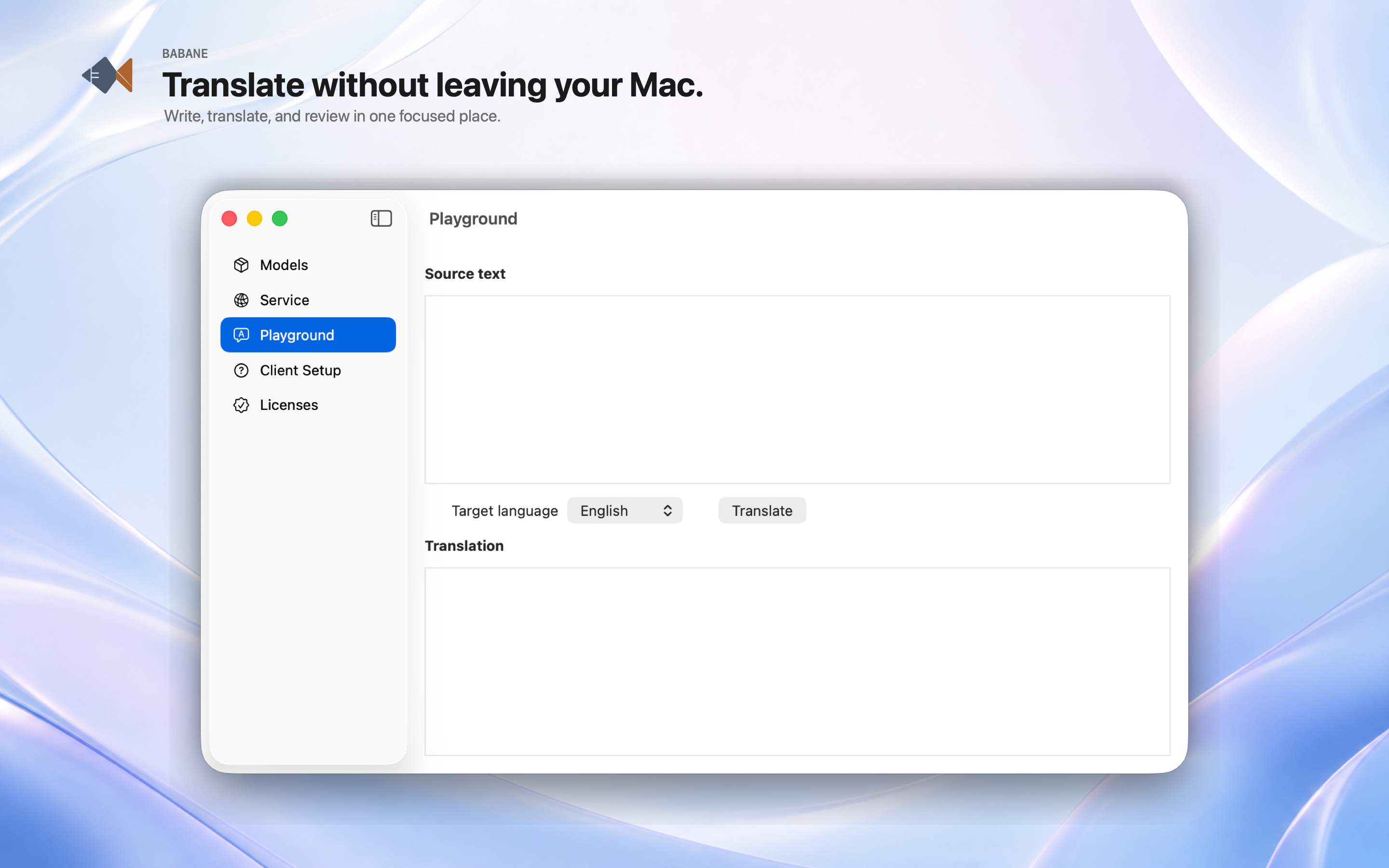
BABANE combines a clear desktop workspace with a local model runtime—making high-quality translation simple to run, inspect, and integrate.
Download approved language models and see exactly what is ready to use.
Try a phrase, refine its direction, and compare the result without leaving the app.
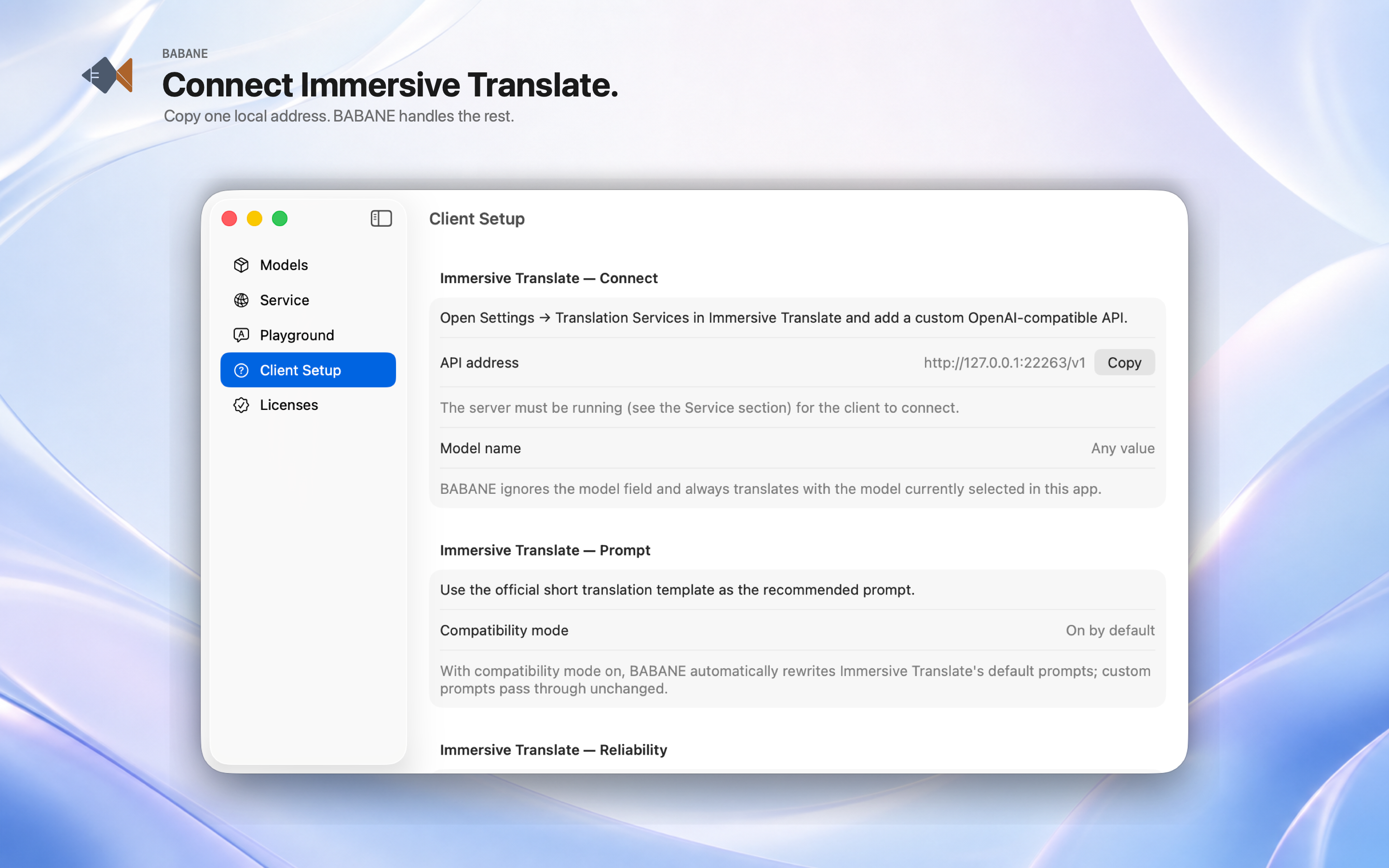
BABANE provides a local OpenAI-compatible API for the translation tools you already use.
From model setup to the final translated line, BABANE keeps the path visible and the controls close at hand.
Get from first launch to a private local translation workflow in four clear steps.
Select an available Hy-MT model in BABANE.
Keep the model on your Mac for local use.
Use the playground for direct, private translations.
Connect your translation tools to BABANE’s localhost-only OpenAI-compatible API. It is not exposed to your network.
Download the model once. Then continue translating when a connection is unreliable, with low-power local inference designed to help your battery last through long days on your Mac.

BABANE runs Hy-MT on your Mac, keeping translation work on your device.
Your text is processed on-device while BABANE is running. You choose when to download models and when to connect another client.
Translate the following text into {target language}. Note that you should only output the translated result without any additional explanation:

{source text}
Use the full language name, such as “English”, rather than a language code.